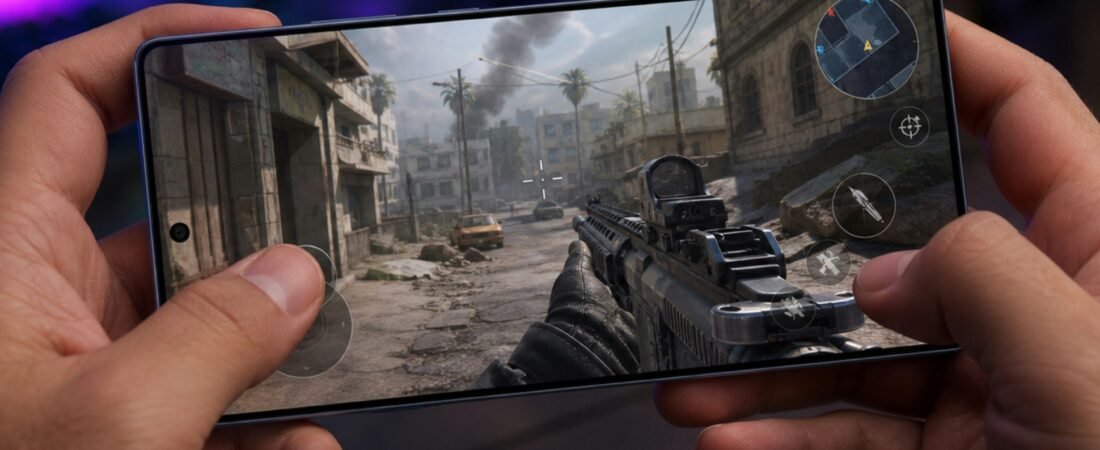
A phone becoming slightly warm during charging, gaming, navigation, video recording, or software updates can be normal.
But if your phone becomes unusually hot during light use, repeatedly displays temperature warnings, slows down dramatically, or shuts itself off, there may be a problem worth investigating.
Start with the quick checks below before assuming the battery or hardware has failed.
Quick Check: Is the Heat Normal?
A warm phone is not automatically a faulty phone.
Temporary heat is more likely to be normal when you are:
- Charging the phone
- Playing demanding games
- Recording high-resolution video
- Using GPS navigation
- Installing a major update
- Restoring data or setting up a new phone
- Using the phone in hot weather
The situation is more concerning if the phone becomes extremely hot while sitting idle or doing simple tasks.
1. You Are Using Demanding Apps
Games, video editing, navigation, camera apps, and other processor-intensive activities make the phone work harder.
The phone may become noticeably warmer when several demanding processes are running at the same time.
Try closing unnecessary apps and leaving the phone unused for several minutes.
If it cools down quickly, heavy app usage was probably contributing to the heat.
2. Charging Is Creating Extra Heat
Some heat during charging is normal, particularly with fast or wireless charging.
The temperature can increase further if you:
- Play games while charging
- Stream video while charging
- Use navigation while charging
- Charge in direct sunlight
- Cover the phone with bedding or other materials
If the phone becomes very hot, disconnect it from the charger and allow it to cool naturally.
Modern phones may also reduce or temporarily pause charging when they become too warm in order to protect the battery.
3. The Phone Is Sitting in a Hot Environment
External temperature can quickly raise the temperature of the device.
Common examples include:
- A parked car
- Direct sunlight
- A sunny windowsill
- Outdoor use on a very hot day
- Enclosed spaces with poor ventilation
Move the phone to a cooler, shaded area and stop using it until the temperature returns to normal.
Do not put an overheated phone in a freezer or against ice.
4. An App May Be Running Excessively in the Background
A malfunctioning or poorly optimized app can continue using processor, network, GPS, or other resources even when you are not actively using it.
Check the battery usage section of your phone and look for apps consuming unusually large amounts of power.
If one app stands out:
- Close it.
- Update it.
- Restart the phone.
- Check whether the heat returns.
If the problem started immediately after installing a particular app, temporarily removing it can help determine whether it is responsible.
5. Weak Mobile Signal May Be Making the Phone Work Harder
Poor reception can increase power use as the phone repeatedly tries to maintain a network connection.
You may notice more heat in places such as:
- Underground areas
- Elevators
- Basements
- Rural locations
- Buildings with poor cellular reception
If overheating happens mainly in locations with weak signal, connectivity may be contributing to the problem.
6. Screen Brightness and Display Use May Be Too High
Long periods of screen use can add heat, especially at maximum brightness.
High refresh rates, video playback, gaming, and outdoor brightness can further increase power consumption.
Try:
- Reducing brightness
- Using automatic brightness
- Turning the screen off when not needed
- Taking breaks during long gaming or video sessions
7. A Software Update or System Process May Be Running
Phones sometimes run intensive background tasks after:
- Major operating system updates
- Restoring a backup
- Moving data to a new phone
- Updating many apps
- Re-indexing files or photos
During this period, increased warmth and battery consumption may be temporary.
Allow the phone some time to finish these tasks and check again later.
8. The Battery or Hardware May Have a Problem
If the phone overheats repeatedly during very light use, there may be a battery or hardware issue.
Warning signs include:
- Rapid battery drain
- Unexpected shutdowns
- Charging problems
- Heat concentrated in one area
- Battery swelling
- Burning or unusual chemical smells
A swollen battery is a safety issue.
Stop using or charging the phone and arrange professional inspection rather than pressing on the battery or continuing normal use.
Try This 15-Minute Overheating Test
If you are unsure what is causing the problem, try isolating the variables.
- Disconnect the charger.
- Move the phone indoors away from sunlight.
- Close demanding apps.
- Reduce screen brightness.
- Lock the screen.
- Leave the phone unused for about 15 minutes.
If the temperature drops significantly, the cause is likely related to workload, charging, environment, or background activity.
If the phone remains unusually hot while idle, further investigation may be needed.
What Not to Do
Avoid trying to cool an overheated phone by:
- Putting it in a freezer
- Applying ice directly
- Pouring water on it
- Continuing to game while it is extremely hot
- Leaving it charging under a pillow or blanket
Let it cool gradually in a shaded, ventilated indoor area.
When Should You Get the Phone Checked?
Consider professional service if:
- The phone repeatedly overheats during light use
- Temperature warnings appear frequently
- The phone shuts down because of heat
- Several chargers produce the same overheating problem
- The battery drains unusually fast
- The battery appears swollen
- There is visible damage to the phone or charging port
FAQ
Why is my phone hot even when I am not using it?
Background apps, poor signal, software activity, charging, or a battery problem can cause heat while the phone appears idle.
Is it normal for a phone to get hot while charging?
Some warmth can be normal. Excessive heat, repeated charging interruptions, or temperature warnings should be investigated.
Does fast charging make phones hotter?
Fast charging can generate more heat than slower charging under some conditions. Phones may automatically reduce charging speed if the device becomes too warm.
Can a phone case cause overheating?
A case can sometimes make heat dissipation more difficult, especially during demanding use or charging. If overheating occurs while charging, temporarily removing the case can be a useful test. Google specifically suggests removing the case when troubleshooting slow wireless charging caused by heat.
Can overheating damage the battery?
Repeated exposure to excessive heat can accelerate battery degradation. Apple specifically warns that very hot operating conditions can permanently reduce battery lifespan.
*** If your phone also takes much longer than usual to charge, read why your phone is charging slowly.
*** If overheating is accompanied by unusually short battery life, see why your phone battery is draining so fast.